🚀 MiraBox N3 Smart Console – Your Desktop Control Hub, Unleashed with One Tap
6 Customizable LCD Keys | 3 Tactile Metal Dials | Scene-Smart Auto-Switch | Drag-and-Drop Setup | 300+ Plugin Actions
✨ Core Highlights
🎨 Visual Keys, Not Static Icons
Each of the six keys is a vivid LCD screen. Personalize with GIFs, app icons, or your own screenshots. See exactly what you're controlling—open software, run macros, paste text, or play media—all in one tap. Visual workflow, intuitive control.
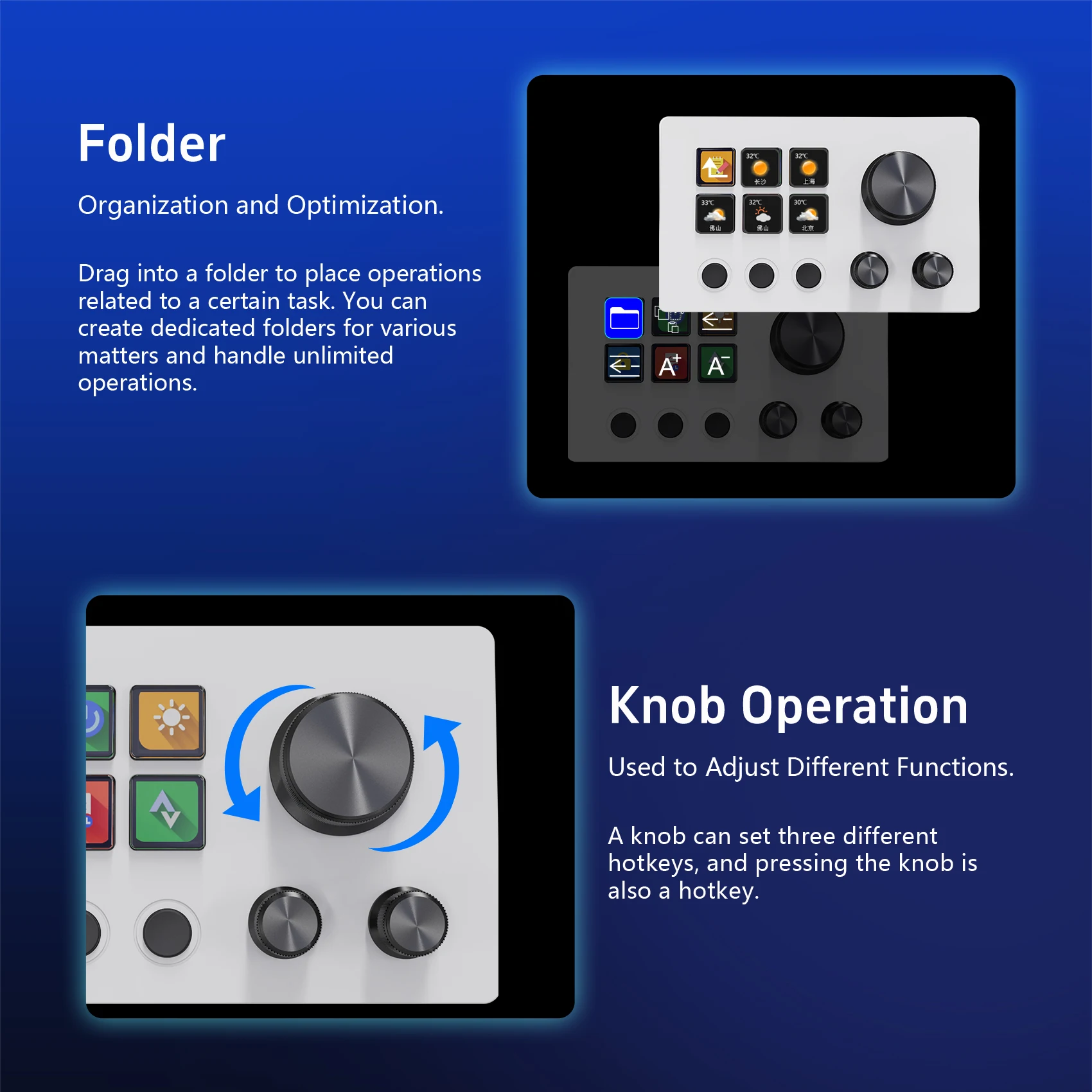
⚙️ Metal Knobs for Pinpoint Precision
Rotate to adjust volume, brightness, zoom, timeline scrubbing, or any slider-based setting. Press to toggle functions. Perfect for editors, designers, and streamers who crave fine, real-time tactile adjustments.
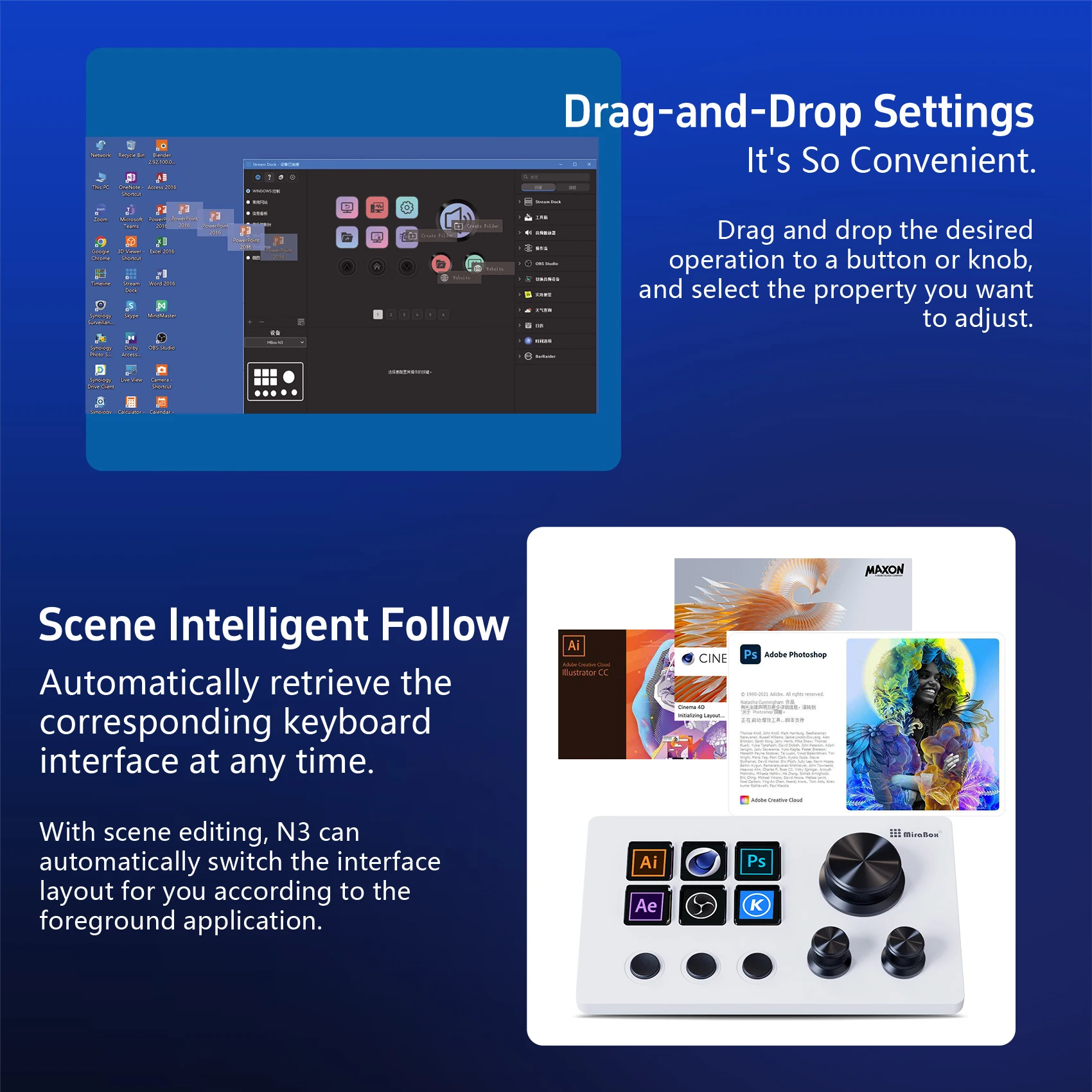
🔄 Intelligent Scene Detection
Your console layout switches automatically as you move between apps—OBS, Premiere, Photoshop, Zoom. The controls you need are always ready. Work seamlessly across workflows without skipping a beat.
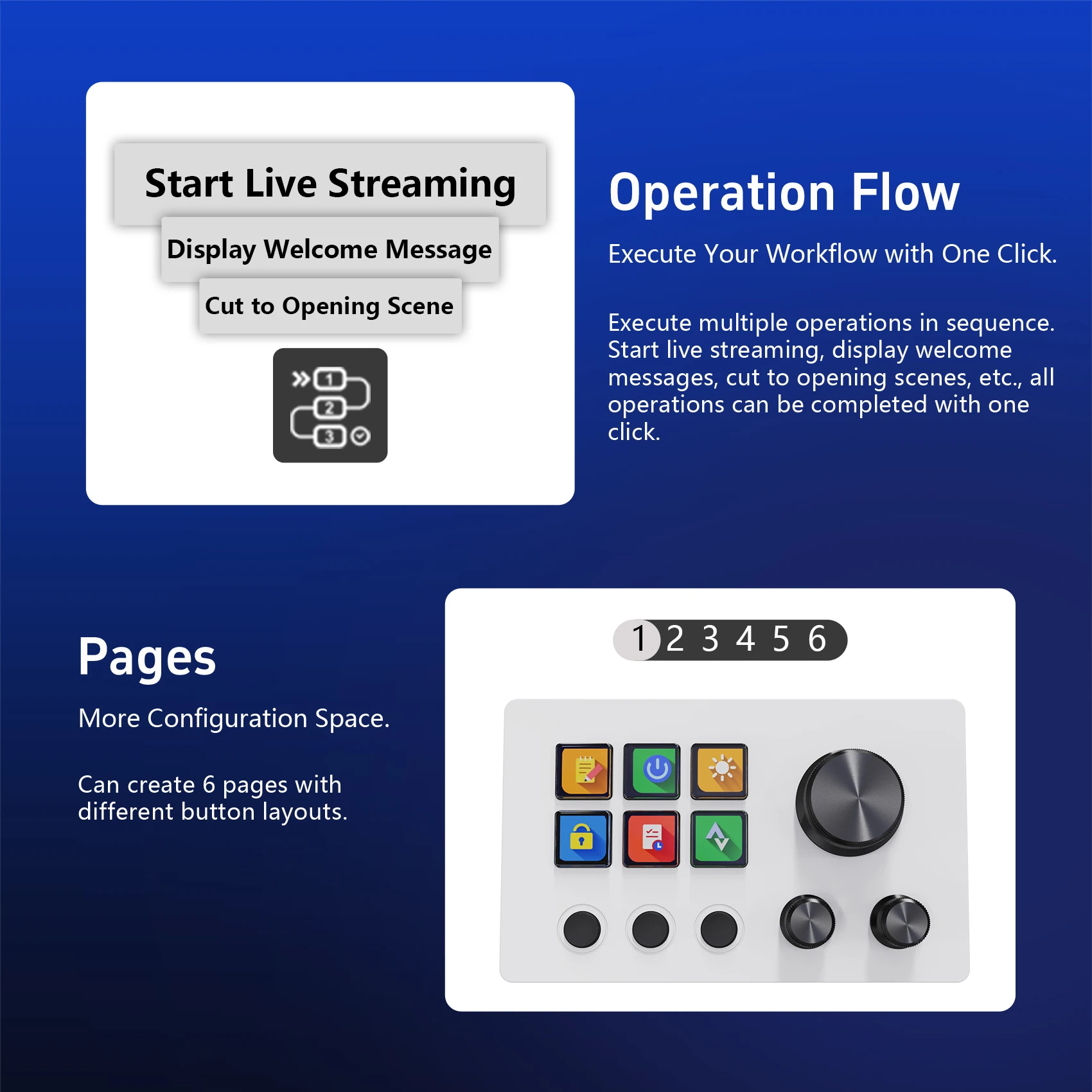
📥 One-Tap Multi-Step Automation
Chain complex tasks into a single click. "Start live broadcast → post welcome message → switch to intro scene" can all happen instantly. Eliminate repetitive clicks and double your efficiency.
🌐 Six Layout Pages, Infinite Flexibility
Configure six distinct layout pages. Organize related actions into folders. Create workflows tailored for different projects, apps, or tasks. Manage limitless functions in a clean, structured way.
🎯 Made For
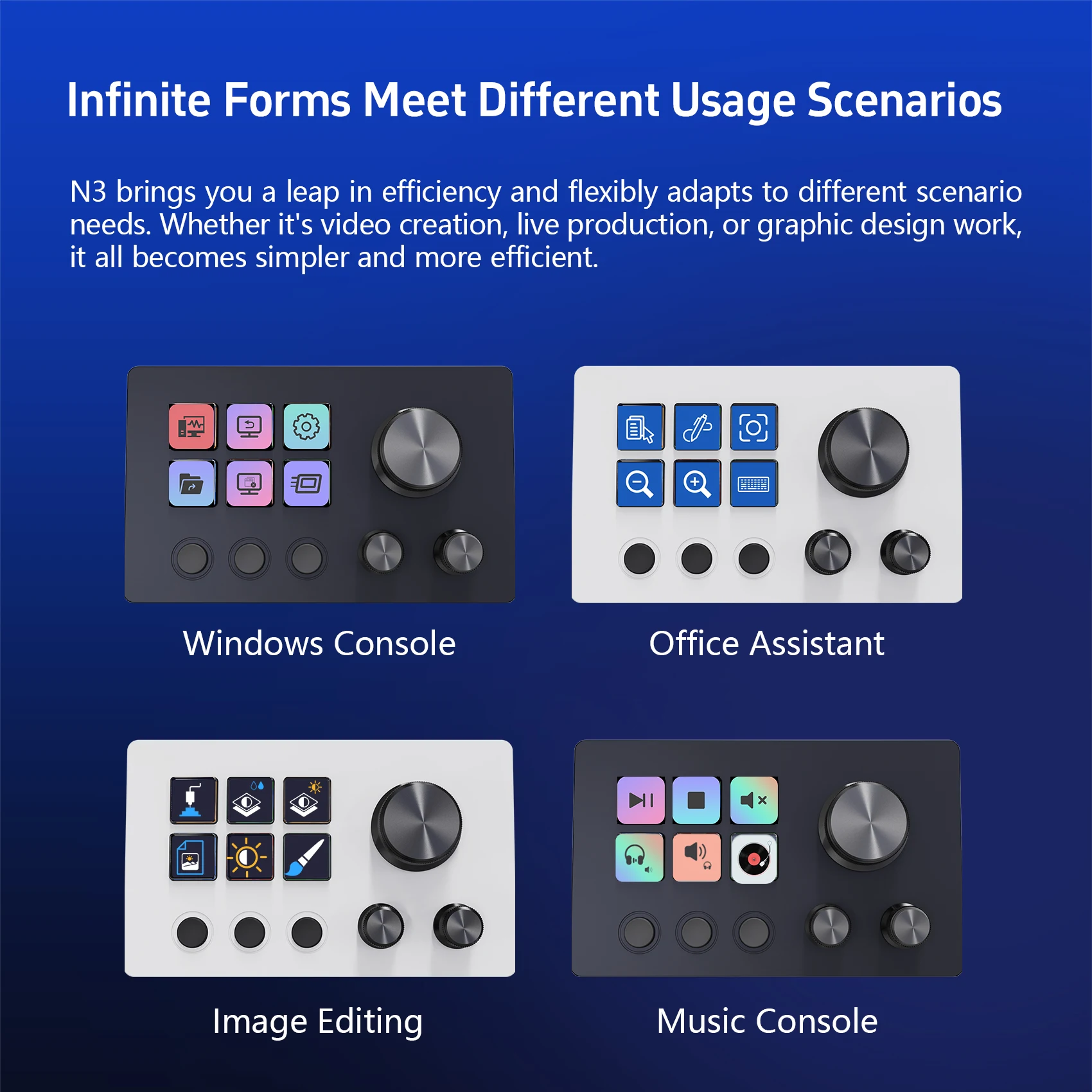
✅ Video Editors: Control OBS, adjust levels, scroll timelines, toggle captions
✅ Live Streamers: Switch scenes, send chat messages, play sound effects, trigger alerts
✅ Graphic Designers: Photoshop shortcuts, layer management, font cycling, filter toggles
✅ Power Users: Launch tools, execute macros, send preset messages, automate routines
✅ Music Producers: Control audio tracks, adjust effect parameters, switch playlists
💡 Why MiraBox N3?
✅ Drag-and-drop setup—no coding, immediate results
✅ LCD keys with dynamic icons and text labels—never guess a function
✅ Metal knobs with press-feedback—solid feel, precise input
✅ Scene-Smart auto-switching—fits your active app, no manual layout hunting
✅ 300+ ready plugins + 100+ icon packs—endless possibilities, constantly growing
✅ Six layout pages + folder grouping—manage complex workflows without clutter
✅ 1.5m Type-C cable + durable ABS build—plug-and-play reliability
🖥️ Tech Specs
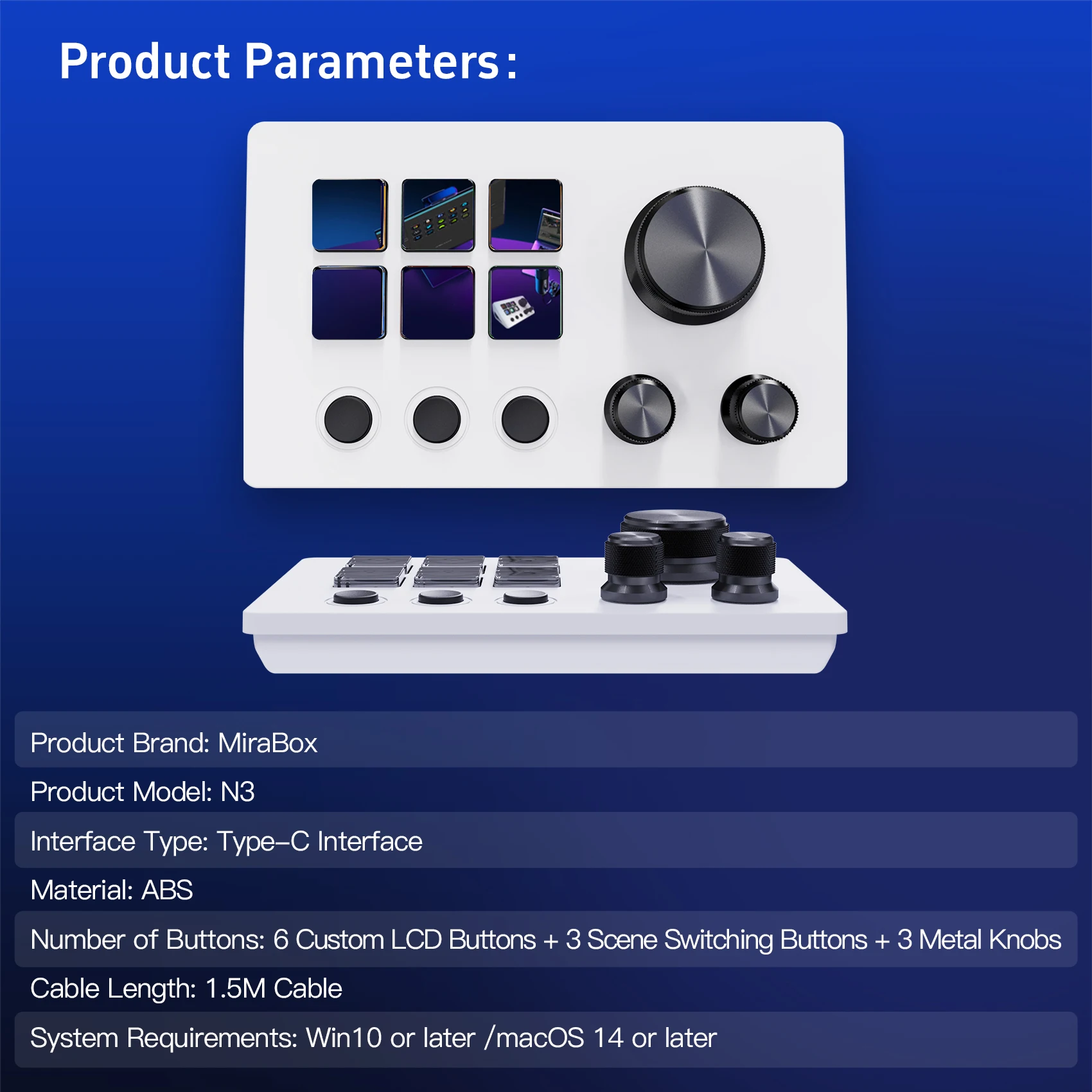
• Brand: MiraBox
• Model: N3
• Interface: Type-C
• Build: Premium ABS
• Controls: 6 Custom LCD Keys | 3 Scene Toggle Keys | 3 Metal Knobs
• Cable: 1.5m USB-C
• OS Support: Windows 10+ / macOS 14+
📦 In the Box
• MBox N3 Visual Custom Console ×1
• 1.5m USB-C Cable ×1
• Adjustable Stand Bracket ×1
• Quick Start Guide ×1
🌈 Design & Aesthetics
• Black or White finish—sleek, minimalist, fits any setup
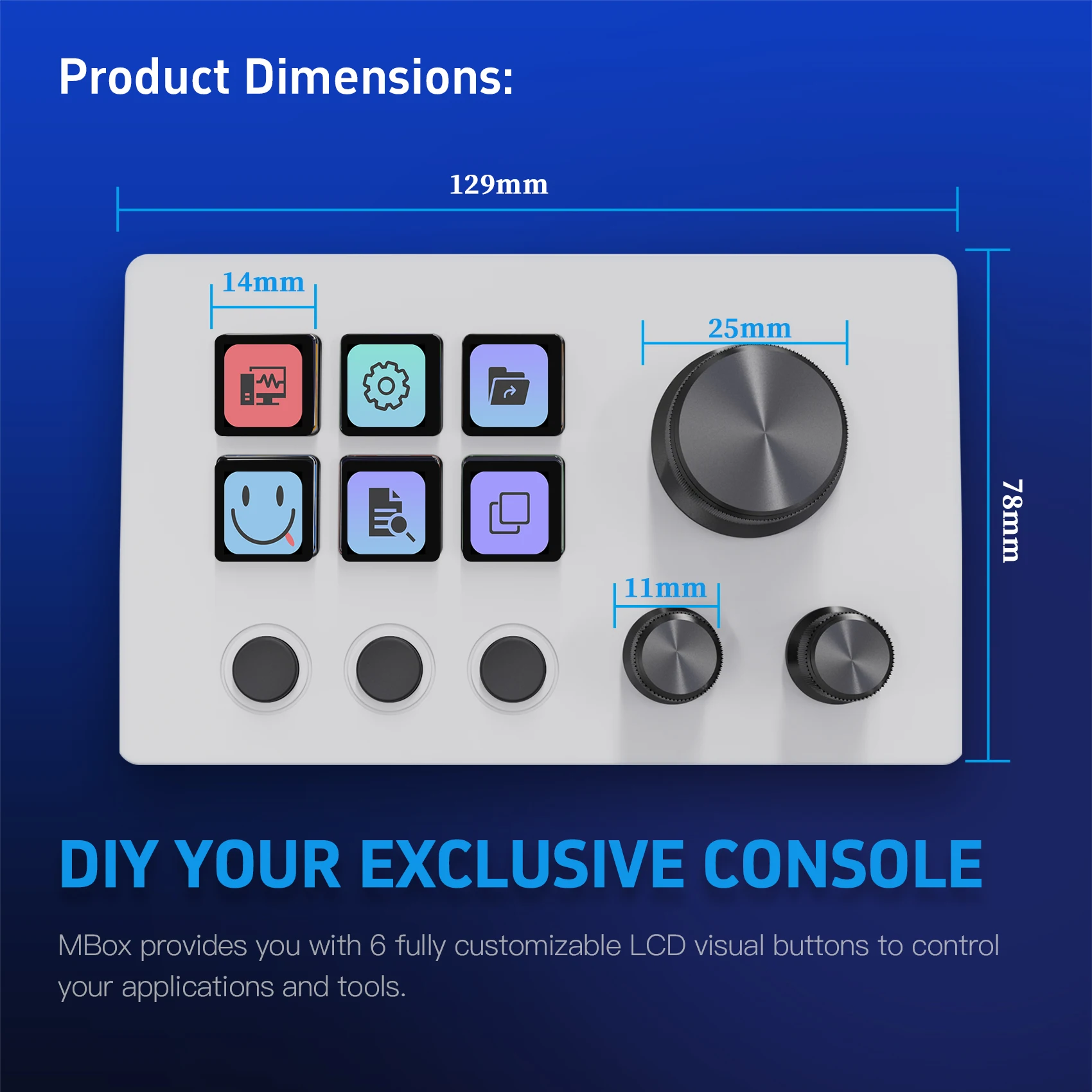
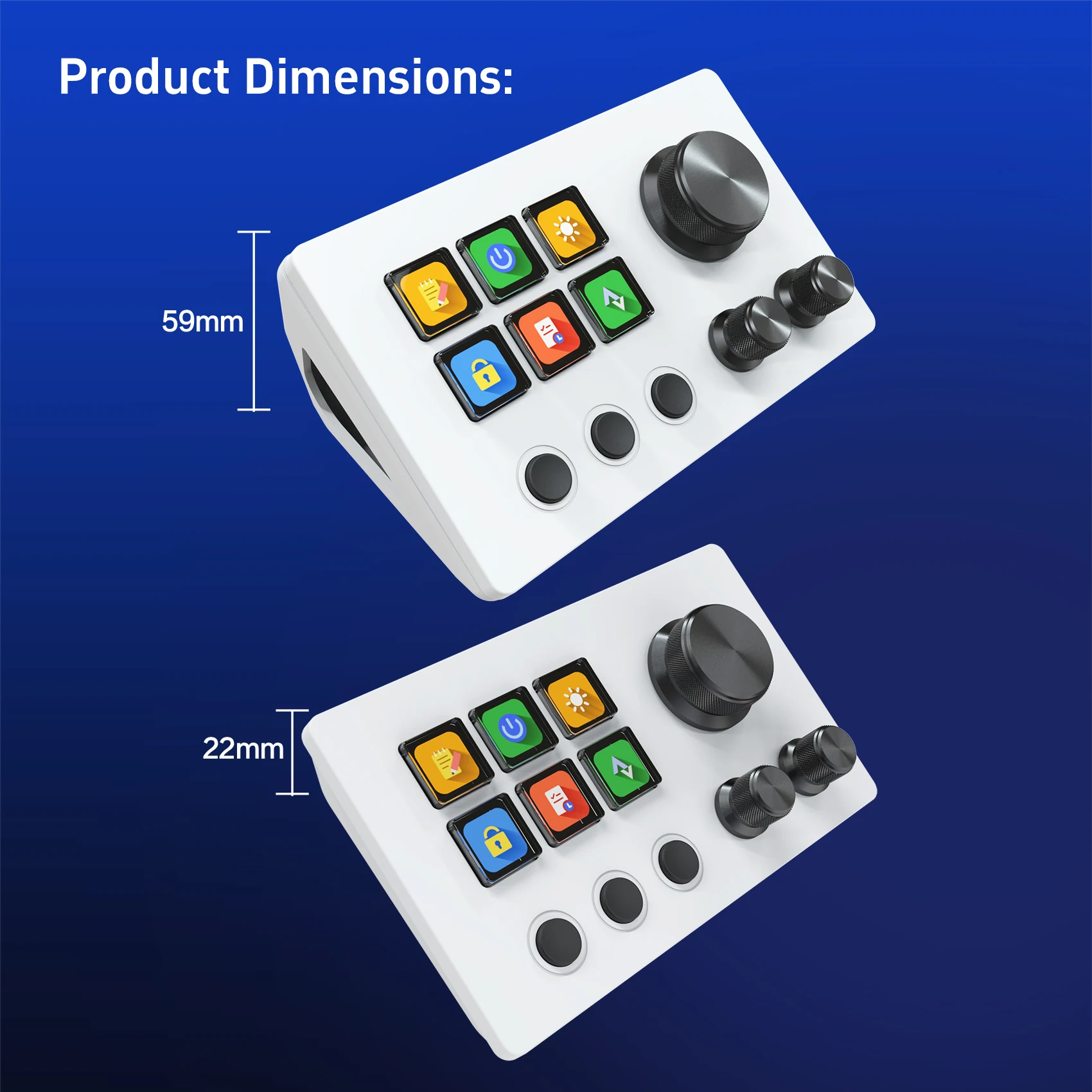
• Compact form: 129mm wide × 78mm deep × 22mm tall
• Key size: 14×14mm, knob diameter: 25mm—comfortable, spaced for accuracy
🚀 Tap once. Control everything.
MiraBox N3—your dedicated desktop command center. Make every tap efficient, every workflow elegant.